

Overview
PlayLive gives South African players mobile casino access through a browser rather than a separate Android or iOS app. There is no confirmed APK, Google Play app, or App Store version, so you open PlayLive in Chrome, Safari, or another modern mobile browser.
The mobile site works on Android phones, Android tablets, iPhone, and iPad. This browser route still gives PlayLive users casino games, ZAR payments, bonuses, account access, and support without taking up device storage or asking for manual updates.
PlayLive mobile access on Android
Android users access PlayLive through the mobile website. You do not need an APK file, and you do not need to install anything from Google Play. That suits players who want quick access to a ZAR casino account without trusting unofficial download pages. Through the PlayLive mobile site, you can manage the main casino actions:
- Log in to your account
- Deposit in ZAR
- Open casino games
- Claim available bonuses
- Contact support
The browser route reduces risk. APK files from third-party sites can expose your account details or install unwanted software. PlayLive avoids that issue by keeping Android access inside the browser. You only need the basic access setup:
- A compatible Android phone or tablet
- A stable internet connection
- The official PlayLive site
Updates appear automatically, so Android users do not need to reinstall anything.
How to open PlayLive on Android?
Open PlayLive on Android this way:
- Open Chrome or another trusted mobile browser
- Type the official PlayLive website address into the browser bar
- Wait for the mobile site to load
- Log in or create an account
- Open the casino lobby and choose a game
Stay away from third-party APK pages that claim to offer a PlayLive Android app. No official Android app exists. The browser version is the correct mobile route.
Save PlayLive shortcut on Android
You can add PlayLive to your Android home screen through Chrome:
- Open the official PlayLive site in Chrome
- Tap the browser menu in the top corner
- Choose Add to Home Screen
- Confirm the shortcut name
- Save the shortcut
After that, the PlayLive icon will appear on your Android home screen. The shortcut does not install a native app. It opens the PlayLive mobile website faster, which helps if you play often and want one-tap access.
Compatible Android phones and tablets
PlayLive works on Android phones and tablets that can run a modern mobile browser. Chrome is the most common choice, but other current browsers can also open the site. You do not need extra storage because nothing is installed.
There is no fixed RAM limit for a PlayLive download because there is no download. Game speed depends mainly on these factors:
- Browser version
- Device condition
- Internet connection
For smoother play, close unused tabs before launching live casino games.
PlayLive mobile access on iOS
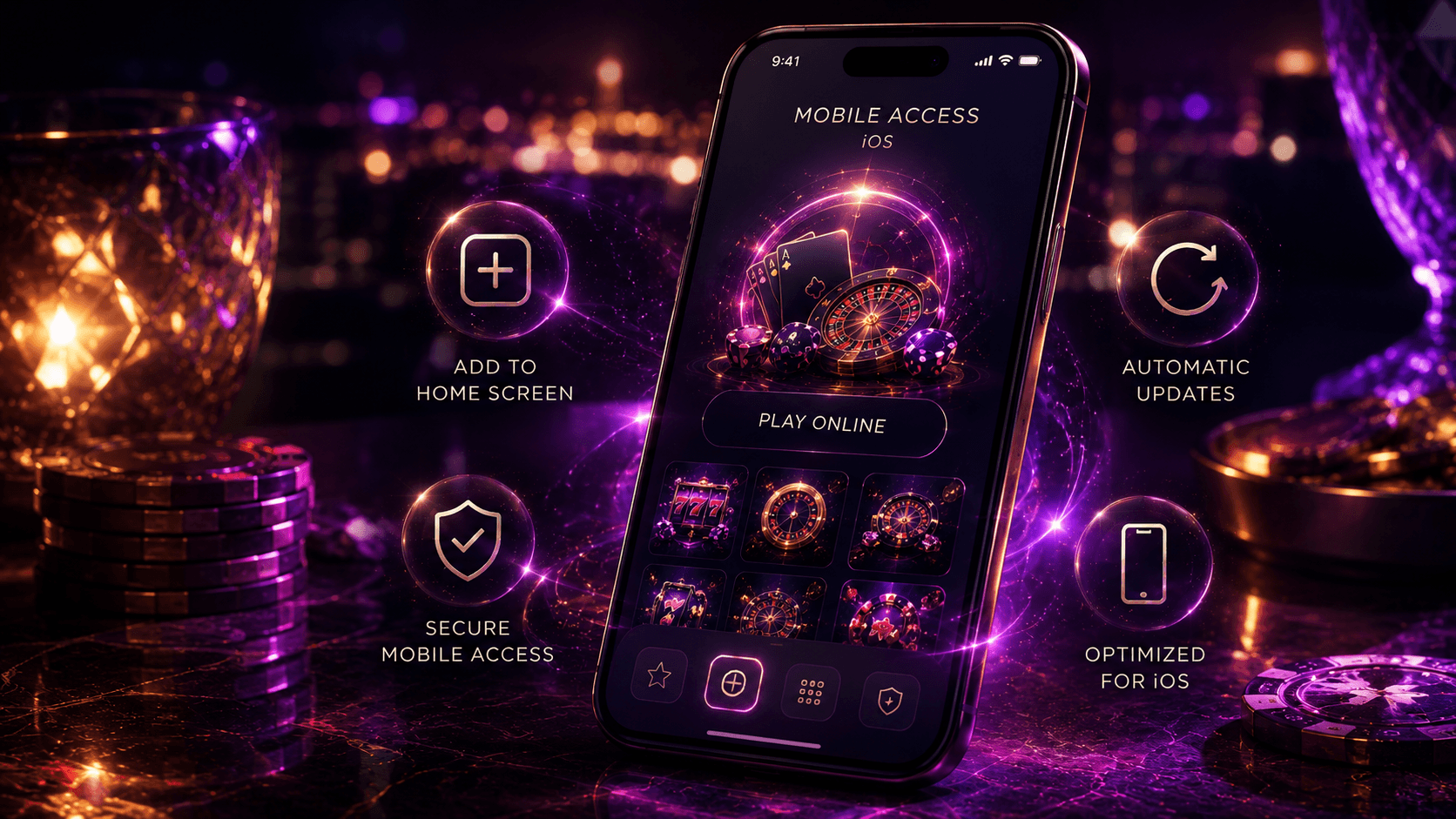
PlayLive does not have an App Store version for iPhone or iPad. iOS users with South African PlayLive accounts access the casino through Safari or another mobile browser. That removes common app steps:
- No app approval delay
- No app update checks
- No storage checks
Open the official PlayLive site, log in, and use the mobile lobby directly from your browser.
A home screen shortcut gives fast access without changing how PlayLive works. It looks similar to an app icon, but it opens the mobile website. Through the PlayLive browser version, you can access the main mobile game categories:
- Slots
- Live casino titles
- Table games
- Blackjack
- Roulette
- Tournaments
- Instant games
Core account features also remain available through PlayLive mobile access:
- Payments
- Bonuses
- Support
How to open PlayLive on iOS?
Use Safari to open PlayLive on iPhone or iPad:
- Open Safari
- Enter the official PlayLive website address in the browser bar
- Wait for the mobile site to load
- Log in or register
- Open the casino lobby
Do not look for a PlayLive App Store download. iOS access is browser-based. This route keeps the process quick and avoids fake app listings.
Save PlayLive shortcut on iOS
You can save PlayLive to the iOS home screen through Safari:
- Open the official PlayLive site in Safari
- Tap the Share icon at the bottom of the screen
- Choose Add to Home Screen
- Confirm the shortcut name
- Tap Add
The PlayLive shortcut will appear on your iPhone or iPad home screen. It opens the PlayLive mobile website rather than a native iOS app, so it does not use app storage.
Compatible iPhone and iPad devices
PlayLive works on iPhone and iPad models that can open modern mobile websites through Safari or another current browser. No App Store installation is needed. PlayLive therefore does not take up app storage on your iOS device.
Mobile performance depends on several factors:
- Device age
- Browser version
- Internet speed
Slots and table games usually need less bandwidth than live casino streams. For live blackjack or roulette, PlayLive works best with a stable mobile or Wi-Fi connection.
How PlayLive website updates work
PlayLive updates its mobile experience through the website. You do not need manual app updates, version checks, or reinstalling. When PlayLive changes the platform, the updates can appear in several areas:
- Games
- Payments
- Bonuses
- Account features
Those changes appear when you open the official site again. The same browser access gives you current games, ZAR payment access, and account features without app version management.
The website setup also avoids old app problems. With PlayLive mobile access, you do not need to handle extra update tasks:
- Checking Google Play
- Checking the App Store
- Downloading a newer app version
- Reinstalling the platform
You just open the site. If something looks outdated, refresh the page or clear the browser cache. For the latest PlayLive mobile version, always use the official website and avoid copied pages.
Main benefits of PlayLive mobile site
The main PlayLive mobile benefit is convenience. You do not install anything, so your phone storage stays free. You can access the same account from Android, iPhone, iPad, or tablet. You can also move between devices without changing your login. The same PlayLive account handles your games, bonuses, and ZAR payments.
PlayLive gives you several mobile advantages:
- No installation
- No app storage use
- Automatic website updates
- Access across supported devices
- Same login across mobile and desktop
- Browser access to games, bonuses, payments, and support
The browser setup also gives PlayLive a clear advantage over a separate native app:
| Feature | Mobile browser | Native app |
|---|---|---|
| Installation | No installation | App download needed |
| Storage use | No app storage used | Uses device storage |
| Updates | Automatic through PlayLive site | Manual or store updates |
| Android access | Chrome or browser | Not available |
| iOS access | Safari or browser | Not available |
| Shortcut access | Home screen shortcut | App icon |
| Account use | Same PlayLive login | Same login would apply |
| Safety | Use official URL only | Store download would be needed |
PlayLive mobile casino games library
PlayLive gives mobile users access to 2500+ casino titles through the browser. The mobile library includes the main casino categories:
- Slots
- Live casino games
- Table games
- Blackjack
- Roulette
- Tournaments
- Instant games
Demo mode is available where supported by the game. It helps before switching to real-money play with a South African account.
The provider list includes Pragmatic Play, Play’n GO, PGSoft, Betsoft, BGaming, Evoplay, Hacksaw, Playson, Spribe, Spinomenal, Novomatic, and other studios. PlayLive does not require a separate app for these games. You open the lobby through the mobile site, choose a category, and launch the title in the browser.
The mobile format works well for short sessions. Slots and instant games load well for quick play. Live casino games need a stronger connection because they stream real tables. PlayLive keeps the same game access across Android and iOS browsers, so you do not lose the core casino lobby by avoiding an app.
PlayLive mobile security for South Africa
PlayLive protects mobile users through several security measures:
- Secure browser access
- SSL encryption
- Data protection standards
- The same KYC checks used on desktop
- The same AML standards used on desktop
These checks matter in South Africa’s online betting market, especially when real-money accounts use ZAR payments and verified account details. Keep your PlayLive login private and use only the official site.
The main mobile risk comes from fake pages, not from the browser method itself. Never enter PlayLive account details on a page with a different URL. Do not download APK files that claim to be official. If you save a shortcut, create it only from the real PlayLive site. For support, PlayLive is available daily from 09:00 to 22:00.
Ready to PlayLive?
Open PlayLive in a new tab to register, log in, review the current offer, and confirm the latest account terms before playing.
Sign Up NowFAQ
What if a PlayLive APK looks official?
Treat it as unsafe. PlayLive mobile access runs through the browser, so an APK file is not needed for Android. Use the official site only, especially before entering login or payment details.
Can I use PlayLive mobile with little phone storage?
Yes, because PlayLive does not install a native app on Android or iOS. The site opens through your browser, so it does not take up app storage. A modern browser and stable connection matter more than free space.
Do I need to update my PlayLive home screen shortcut?
No manual update is needed. The shortcut opens the PlayLive mobile website, so website changes appear through the browser. If the page looks outdated, refresh it or clear the browser cache.
Why do live casino games need a better connection?
Live blackjack and roulette stream real tables, so they rely more on connection stability. Slots and instant games usually need less bandwidth. If a live game feels slow, close unused tabs or switch to a stronger mobile or Wi-Fi connection.